
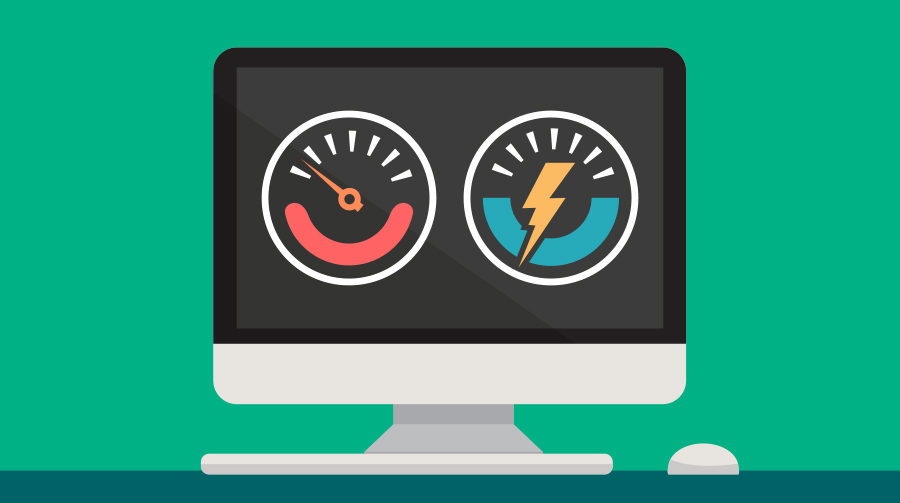
As we continue to rely on our computers in the workplace, it’s essential to take steps to minimize their energy consumption. According to statistics, a typical office computer can consume up to 175 kWh of electricity per year, which translates to a significant environmental impact.
Understanding PC Energy Consumption
To put this into perspective, consider the following: when you’re not actively using your computer, it still consumes power, known as “vampire power” or “standby power.” This energy waste can add up quickly. For instance, a monitor 14 inches in size can consume an estimated 135 kWh of electricity per year.
The Benefits of Energy-Efficient Computing
Laptops and desktops with LCD screens (liquid crystal displays) use significantly less energy than CRT (cathode ray tube) monitors. According to recent studies, an LCD screen at 15 inches consumes only about 30% of the power used by a CRT monitor of the same size.
The Impact of Rapidly Advancing Technology
As computers become more powerful and complex, their energy consumption also increases exponentially. With over 315 million outdated computers worldwide, this trend is concerning, as it means there’s potentially millions of pounds of lead, cadmium, and mercury being released into the environment if not properly disposed of.
Practical Tips for Reducing Energy Consumption
1. Turn Off Your Computer (and Monitor) When Not in Use
When you’re taking a break or switching tasks, take the opportunity to turn off your computer and monitor. You can set your system to automatically shut down after a certain period of inactivity.
2. Disable Screen Saver and Auto-Sleep Modes
Disabling your screen saver will help conserve energy, as it prevents unnecessary power consumption while your computer is still active. Similarly, disabling the auto-sleep mode on your monitor can also contribute to reduced energy waste.
3. Unplug Your Computer from the Power Source When Not in Use
Yes, you read that right – even when your computer is turned off but still plugged into the wall outlet, it continues to draw power. This phenomenon is known as “vampire power” or “standby power.” To minimize energy waste, unplug your computer and monitor when not in use.
4. Calculate the Potential Savings of Unplugging Your Computer
Assuming an average usage pattern and a moderate electricity cost, unplugging your computer can save you around €28-€56 per year, depending on how often it’s left plugged in.
5. Maintain Proper Posture While Working on Your Computer
To reduce eye strain and minimize the risk of long-term vision problems, ensure that you maintain proper posture while working on your computer. This includes keeping the monitor at a comfortable distance (around 50-70 cm) and looking away periodically to gaze at objects in the distance.
6. Upgrade to Energy-Efficient Components
When it’s time to upgrade or replace components, look for energy-efficient options such as power-saving hard drives, SSDs (solid-state drives), and low-power processors.
7. Use Power-Saving Software
There are many software programs available that can help you reduce your computer’s energy consumption by turning off unnecessary functions, setting timers, and monitoring your usage patterns.
8. Adjust Your System Settings
Many modern operating systems come with built-in power-saving features that can be enabled to reduce energy consumption. Check your system settings to see what options are available.
9. Consider Using a Computer Cooling Fan
Some computer cooling fans are designed to run at lower speeds, reducing the energy consumed by the fan while still maintaining adequate airflow and heat dissipation.
By implementing these simple yet effective tips, you can significantly reduce your PC’s energy consumption and contribute to a more sustainable future.
Conclusion
Reducing our reliance on computers and minimizing their energy consumption is crucial for both individual and environmental well-being. By following these practical guidelines, we can make a positive impact on the environment while also saving money on our electricity bills. Remember, every small step counts – so let’s work together to create a more sustainable future.
Additional Tips and Strategies
10. Consider Buying Energy-Efficient Computers
When purchasing new computers or laptops, look for energy-efficient options with low power consumption ratings.
11. Use Renewable Energy Sources
If possible, consider using renewable energy sources such as solar panels or wind turbines to power your computer or home.
12. Support Companies with Sustainable Practices
Many companies prioritize sustainability and offer eco-friendly products and services. Research and support organizations that share these values.
Frequently Asked Questions (FAQs)
Q: How much energy does my computer consume when I’m not using it?
A: The amount of energy your computer consumes when not in use can vary depending on the device and its usage pattern, but it’s typically around 3-6 watts or more.
Q: Can I still save energy if I keep my monitor plugged in while not actively using it?
A: Yes, unplugging your computer from the power source can significantly reduce energy waste. This is especially true for devices that are left on standby for extended periods.
Q: Are there any specific postures or positions I should maintain when working on my computer to prevent eye strain?
A: Maintaining proper posture while working on your computer, such as keeping the monitor at a comfortable distance and taking breaks to gaze away from screens, can help reduce eye strain and long-term vision problems.
Q: Can I still make an environmental impact by reducing my energy consumption with older devices?
A: Yes, even reducing the usage of outdated devices can contribute significantly to a more sustainable future. Proper disposal or recycling of these devices is also crucial for minimizing their environmental impact.
Q: How can I ensure that my computer and monitor are properly disposed of at the end of their lifespan?
A: Check with your local authorities or manufacturers for guidelines on responsible electronic waste management and disposal practices in your area.
Q: Are there any other ways to minimize energy consumption while working on my computer?
A: Some additional strategies include using power-saving software, adjusting your system settings to reduce power consumption, and exploring more energy-efficient computing options.
Q: Can I use alternative devices or technologies to replace my current computer setup?
A: Yes, exploring alternative solutions like cloud computing, remote work options, or more energy-efficient devices can be a great way to minimize your carbon footprint.


