
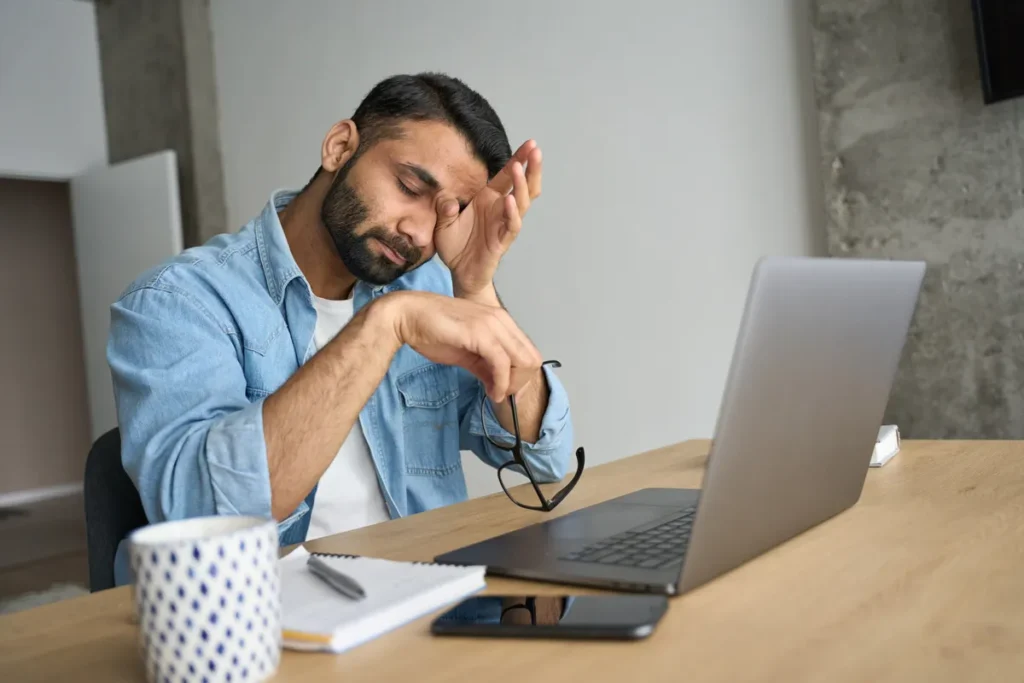
As we spend more and more time in front of our computers, it’s essential to take care of our eyes to prevent fatigue. Many of us are forced to work for extended periods, often in the evening, watching movies or dealing with paperwork, which can lead to eye strain.
While it’s impossible to completely avoid working on a computer, there are ways to minimize the damage and protect your eyes. In this article, we’ll explore some practical tips to help you reduce eye fatigue when working on a computer.
Understanding Eye Fatigue
Eye fatigue is a common problem that can lead to headaches, dryness, and blurred vision. It’s often caused by prolonged screen time, inadequate lighting, and poor posture. If left unchecked, eye fatigue can have serious consequences, including long-term damage to your eyesight.
Causes of Eye Fatigue
There are several factors that contribute to eye fatigue:
- Prolonged screen time: Staring at a computer screen for extended periods can cause eye strain and fatigue.
- Inadequate lighting: Insufficient or harsh lighting can make it difficult for the eyes to adjust, leading to eye fatigue.
- Poor posture: Slouching or leaning forward while working on a computer can put strain on the eyes and lead to fatigue.
- Blue light emission: The blue light emitted from computer screens can cause eye strain and fatigue.
Creating an Ideal Workspace
To reduce eye fatigue, let’s start with our workspace. Here are a few tips to create an ideal environment:
- Lighting: Ensure the room is well-lit, but avoid harsh overhead lighting. Instead, use table lamps or floor lamps to create a soft, warm glow.
- Distance from the screen: Keep your computer at a comfortable distance, ideally 24 inches (60 cm) away from your eyes. This will help reduce eye strain and prevent headaches.
- Ergonomic setup: Adjust your chair, desk, and monitor to promote good posture. Your elbows should be at a 90-degree angle, and your wrists should be straight.
Maintaining Good Posture
Good posture is crucial for reducing eye fatigue. Here are some tips:
- Monitor placement: Position your monitor directly in front of you, about 10-15 inches (25-38 cm) below eye level.
- Keyboard and mouse: Keep your keyboard and mouse close to your body to avoid reaching forward and straining your neck.
Adjusting Your Screen Settings
Your screen settings can also contribute to eye fatigue. Here’s how to adjust them for optimal comfort:
- Brightness: Set the brightness of your screen to match the lighting in the room.
- Contrast: Adjust the contrast to make text and images more readable.
- Color temperature: Lower the color temperature of your screen to reduce blue light emission, which can cause eye strain.
Taking Breaks
Taking regular breaks is essential for reducing eye fatigue. Here’s how:
- Blink regularly: When working on a computer, we tend to blink less frequently. Make it a habit to blink regularly and rub your eyes gently.
- Look away: Every 20 minutes, look away from the screen and focus on something distant (about 10-15 feet or 3-4.5 meters). This will help relax your eyes.
Wearing Anti-Fatigue Glasses
Anti-fatigue glasses are designed to block blue light emission from screens, reducing eye strain and fatigue. These glasses can be worn by anyone who spends extended periods in front of a computer screen.
In addition to these tips, there are other ways to reduce eye fatigue:
- Get regular eye exams: Regular eye exams can help detect any underlying issues that may contribute to eye fatigue.
- Use eye drops: If you experience dryness or irritation while working on a computer, use eye drops to help lubricate your eyes.
- Consider eye exercises: There are several eye exercises that can help reduce eye strain and fatigue.
Frequently Asked Questions
- Q: Can I really prevent eye fatigue?
A: Yes, with the right habits and precautions, you can significantly reduce your risk of developing eye fatigue. - Q: What are the most common causes of eye fatigue?
A: Prolonged screen time, inadequate lighting, poor posture, and blue light emission from screens are the most common causes of eye fatigue. - Q: How often should I take breaks to reduce eye fatigue?
A: Every 20 minutes, look away from the screen and focus on something distant for at least 5-10 minutes. - Q: Can anti-fatigue glasses really make a difference?
A: Yes, anti-fatigue glasses can help reduce blue light emission from screens, which is a significant contributor to eye fatigue. - Q: Are there any long-term consequences of eye fatigue?
A: If left unchecked, eye fatigue can lead to long-term damage to your eyesight, including dryness, blurred vision, and even permanent vision loss.
By following these tips and taking regular breaks, you can reduce your risk of developing eye fatigue and protect your eyesight for years to come.


