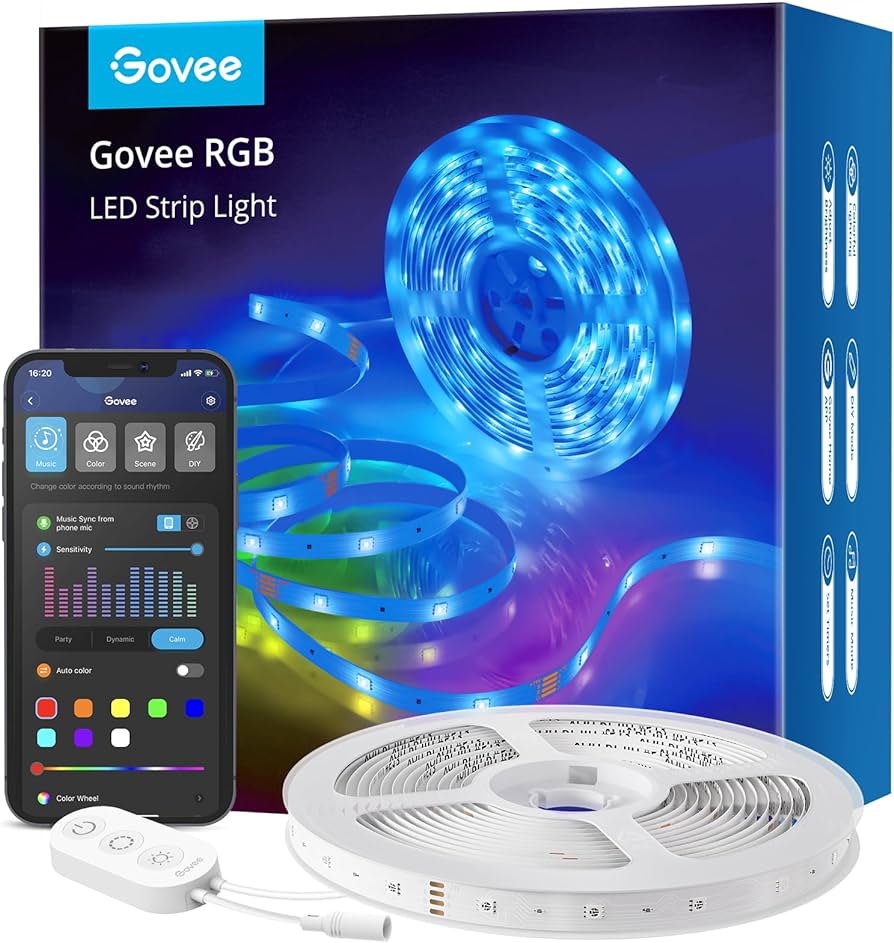
As a homeowner, you’re always on the lookout for ways to make your living space more comfortable and convenient. One of the latest trends in smart lighting is Wi-Fi enabled LED lights that can be controlled remotely using your smartphone. In this article, we’ll explore how these innovative lamps work, their benefits, and some top-rated options.
What are Wi-Fi LED Lights?
Wi-Fi LED lights are a type of smart lighting that uses wireless technology to connect to your router and can be controlled remotely using a smartphone app. These lights use advanced LEDs that provide bright, energy-efficient light while also offering various features like color changing and scheduling.
How Do Wi-Fi LED Lights Work?
Each lamp consists of the actual LED bulb and a Wi-Fi unit that connects to your home router. This connection allows you to control the lighting remotely using your smartphone app. With this technology, you can turn lights on and off, adjust brightness, change colors, and even schedule lighting scenes.
Benefits of Wi-Fi LED Lights
- Remote Control: Turn lights on and off from anywhere using your smartphone app.
- Energy Efficiency: Use energy-efficient LEDs that consume less power while providing bright light.
- Color Changing: Adjust the color temperature or change colors to suit your mood or environment.
- Scheduling: Schedule lighting scenes to optimize energy consumption and ambiance.
Choosing the Right Wi-Fi LED Light
There are many options available, each with its own set of features and compatibility requirements. Some popular brands include Philips Hue White and Color and IKEA Tradfri.
- Philips Hue White and Color Starter Kit: This comprehensive kit includes three bulbs and a bridge that connects to your router. The app offers advanced features like color changing and scheduling.
- IKEA Tradfri: A more budget-friendly option with three bulbs included, requiring you to purchase an additional hub for compatibility.
Additional Features to Consider
When choosing a Wi-Fi LED light, consider the following features:
- Dimming Capabilities: Can the bulb be dimmed using the app or is it only on/off?
- Color Temperature Options: Are there different color temperatures available (e.g., warm white, cool white)?
- Scheduling Features: Can you schedule lighting scenes to optimize energy consumption and ambiance?
Smart Lighting with Other Devices
One of the most innovative features of Wi-Fi LED lights is their ability to integrate with other smart devices in your home. For example:
- Apple HomeKit: Seamlessly integrates with Apple devices, allowing for voice control using Siri.
- Samsung SmartThings: Compatible with Samsung smart devices, enabling multi-room lighting control.
Setting Up Your Smart Lighting System
To set up your Wi-Fi LED light, follow these steps:
- Choose a hub or bridge: This connects to your router and allows you to control the lights remotely.
- Install the bulbs: Replace existing bulbs with new ones that contain the smart LED technology.
- Download the app: Install the manufacturer’s app on your smartphone to access remote lighting control.
Common Questions About Smart Lighting
- Do I need a hub or bridge?: This depends on the brand and model of your lights. Some bulbs are plug-and-play, while others require an additional hub for connectivity.
- Can I use multiple devices with my smart lighting system?: Yes, many brands offer compatibility with other smart devices, such as thermostats and security cameras.
Smart Lighting Tips and Tricks
- Use smart lighting to create a relaxing ambiance in your bedroom or living room.
- Schedule lights to turn on automatically when you enter a room, reducing energy consumption and improving safety.
- Experiment with different color temperatures and brightness levels to enhance the mood and atmosphere of each space.
By understanding the benefits and features of Wi-Fi LED lights, you can create a smart lighting system that enhances your home’s comfort, convenience, and energy efficiency. Whether you’re looking for a simple, plug-and-play solution or a comprehensive smart lighting system, there’s an option available to suit your needs and budget.