
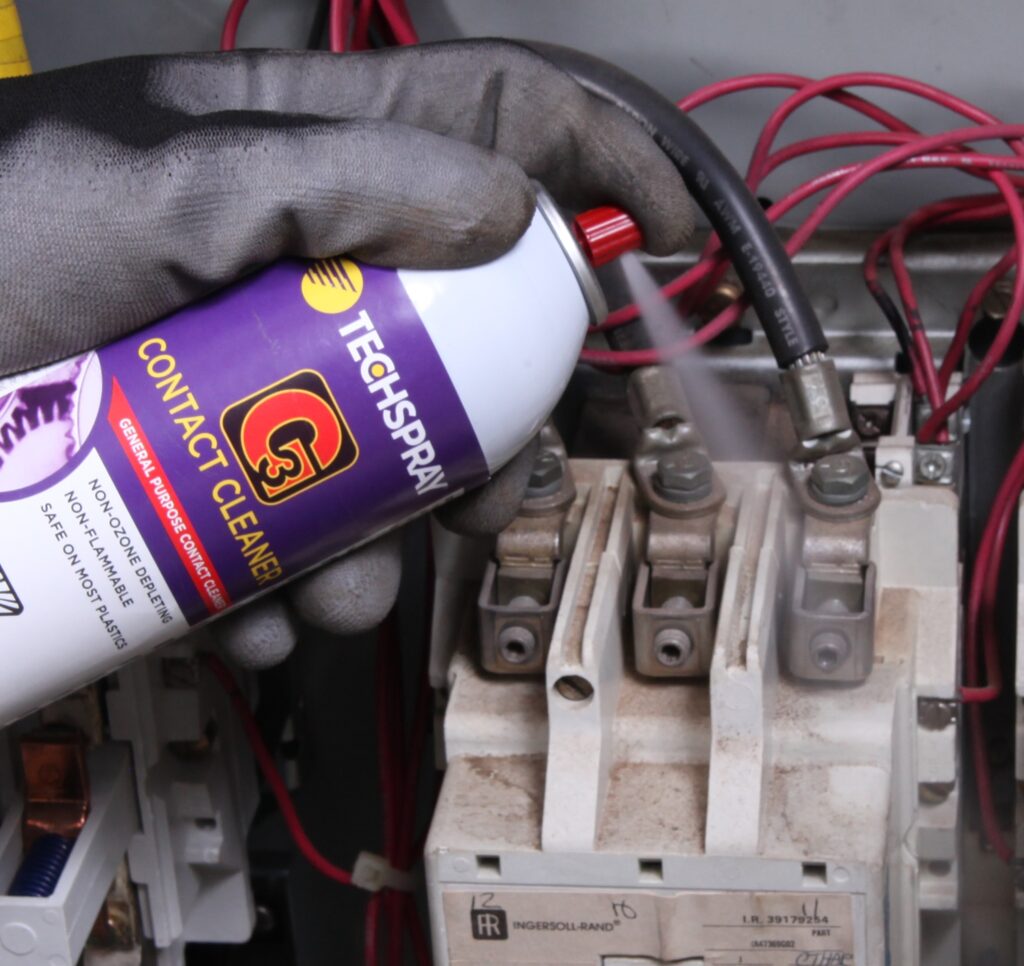
As we go about our daily lives, our electronic devices become an integral part of us. From smartphones and laptops to TVs and tablets, these devices require regular cleaning to keep them in top condition. In this article, we’ll explore the best practices for cleaning various components of your electronics, including displays, keyboards, and more.
Why Clean Your Electronics?
Before we dive into the nitty-gritty of cleaning, let’s talk about why it matters. Dirt, dust, and other substances can accumulate on your devices, leading to performance issues, screen damage, and even electrical shocks. By regularly cleaning your electronics, you can prevent these problems and keep your devices running smoothly.
Choosing the Right Cleaning Tools
When it comes to cleaning electronic devices, you’ll need the right tools for the job. Here are some essentials:
- A soft, dry cloth (such as a microfiber cloth)
- Distilled water
- Avoid using household cleaners or detergents, as they can damage your device’s coatings or harm the electronics inside.
Cleaning Your TV Screen
Let’s start with one of the most challenging components to clean: the TV screen. To avoid scratching the screen, use a microfiber cloth and follow these steps:
- Turn off your TV and unplug it from the power source.
- Gently wipe the screen with a dry section of the microfiber cloth to remove any loose debris.
- Dampen a separate section of the cloth with distilled water, but make sure it’s not soaking wet.
- Wipe the screen again with the damp cloth, starting from the top and working your way down.
- Use a dry section of the cloth to wipe away any excess moisture.
Cleaning Your Laptop Keyboard
The keyboard on your laptop can be a breeding ground for germs and dust. Here’s how to clean it:
- Turn off your laptop and unplug it from the power source.
- Turn the keyboard upside down and gently shake it to remove any loose debris.
- Use compressed air to blow out any remaining dust or dirt.
- Dampen a soft cloth with distilled water, but make sure it’s not soaking wet.
- Gently wipe each key individually, starting from the top and working your way down.
Other Electronics You Need to Clean
- Smartphone screens: Follow the same steps as for your TV screen, using a microfiber cloth and distilled water.
- Tablet touchscreens: Use a microfiber cloth and distilled water to clean the touchscreen. Avoid using liquids on capacitive touchscreens (like those found in smartphones).
- Smartwatches and fitness trackers: Clean them with a soft cloth and mild soap solution.
Cleaning Your Smartphone Screen
A dirty smartphone screen can be frustrating, but it’s easy to clean. Here are some tips:
- Use a microfiber cloth and distilled water to clean the screen.
- Avoid using household cleaners or detergents, as they can damage your device’s coatings or harm the electronics inside.
- Gently wipe the screen in a circular motion, starting from the top and working your way down.
Cleaning Your Tablet Screen
A tablet screen is similar to a smartphone screen, but it may require some extra care. Here are some tips:
- Use a microfiber cloth and distilled water to clean the touchscreen.
- Avoid using liquids on capacitive touchscreens (like those found in smartphones).
- Gently wipe the screen in a circular motion, starting from the top and working your way down.
What Not to Do When Cleaning Electronics
Avoid these common mistakes when cleaning your electronics:
- Never use household cleaners or detergents, as they can damage the device’s coatings or harm the electronics inside.
- Avoid using abrasive materials, such as paper towels or scrubbers, which can scratch or damage the screen.
- Don’t spray liquids directly onto the device; instead, use a damp cloth to wipe down the surface.
Precautions When Cleaning Electronics
When cleaning electronic devices, it’s essential to take some precautions:
- Always unplug your device before cleaning to avoid electrical shocks.
- Use a soft, dry cloth to clean surfaces that require gentle handling, such as displays and keyboards.
- Avoid using liquids on devices with water-resistant coatings or seals.
Conclusion
Cleaning your electronic devices is an essential part of maintaining their performance and longevity. By following these simple tips and avoiding common mistakes, you can keep your devices in top condition and prevent costly repairs. Remember to always handle electronics with care, and happy cleaning!
Frequently Asked Questions (FAQs)
- What’s the best way to clean a dirty laptop screen?
Use a microfiber cloth and distilled water to clean the screen. - Can I use a vacuum cleaner to clean my electronic devices?
No, as it can damage the device’s coatings or harm the electronics inside. - How often should I clean my electronic devices?
Regularly, depending on how often you use them and in what environment they’re used. - What if I accidentally spray liquid onto a device?
Turn off the power source immediately and carefully dry the device with a soft cloth. - Can I reuse cleaning cloths or wipes?
No, as they may harbor bacteria and dust that can transfer to your devices. - How do I clean a stubborn stain on my TV screen?
Use a microfiber cloth and distilled water to gently scrub the stain away. - What’s the best way to clean my smartphone screen?
Use a microfiber cloth and distilled water, following the same steps as for your TV screen. - Can I use compressed air to clean out dust from my laptop vents?
Yes, but be careful not to spray it directly onto any electrical components or other sensitive areas.
Cleaning Your Gaming Console
Gaming consoles can accumulate a lot of dirt and dust, which can affect their performance. Here are some tips for cleaning your gaming console:
- Use compressed air to blow out any loose debris from the vents.
- Dampen a soft cloth with distilled water and gently wipe down the surface of the console.
- Avoid using liquids on devices with water-resistant coatings or seals.
Cleaning Your Gaming Headset
Gaming headsets can be prone to sweat and dirt, which can affect their performance. Here are some tips for cleaning your gaming headset:
- Use a soft cloth to wipe down the surface of the headset.
- Dampen a separate section of the cloth with distilled water and gently scrub away any stubborn stains or grime.
- Allow the headset to air dry before wearing it again.
Conclusion
Cleaning your electronic devices is an essential part of maintaining their performance and longevity. By following these simple tips and avoiding common mistakes, you can keep your devices in top condition and prevent costly repairs. Remember to always handle electronics with care, and happy cleaning!


